Sign/Verify Message lets you prove that a Bitcoin address belongs to a particular person, or check a proof someone sent you, without moving any funds. This is useful before sending a large payment, when onboarding to a service, or when confirming an address in chat. Many exchanges ask or require address ownership confirmation: they give you a message to sign so you can prove a withdrawal address is really yours.
Open Sign/Verify Message
Open your wallet, tap ⋯ in the top-right corner to open Wallet details, then tap Sign/Verify Message.
The screen has three fields: Address, Message, and Signature.
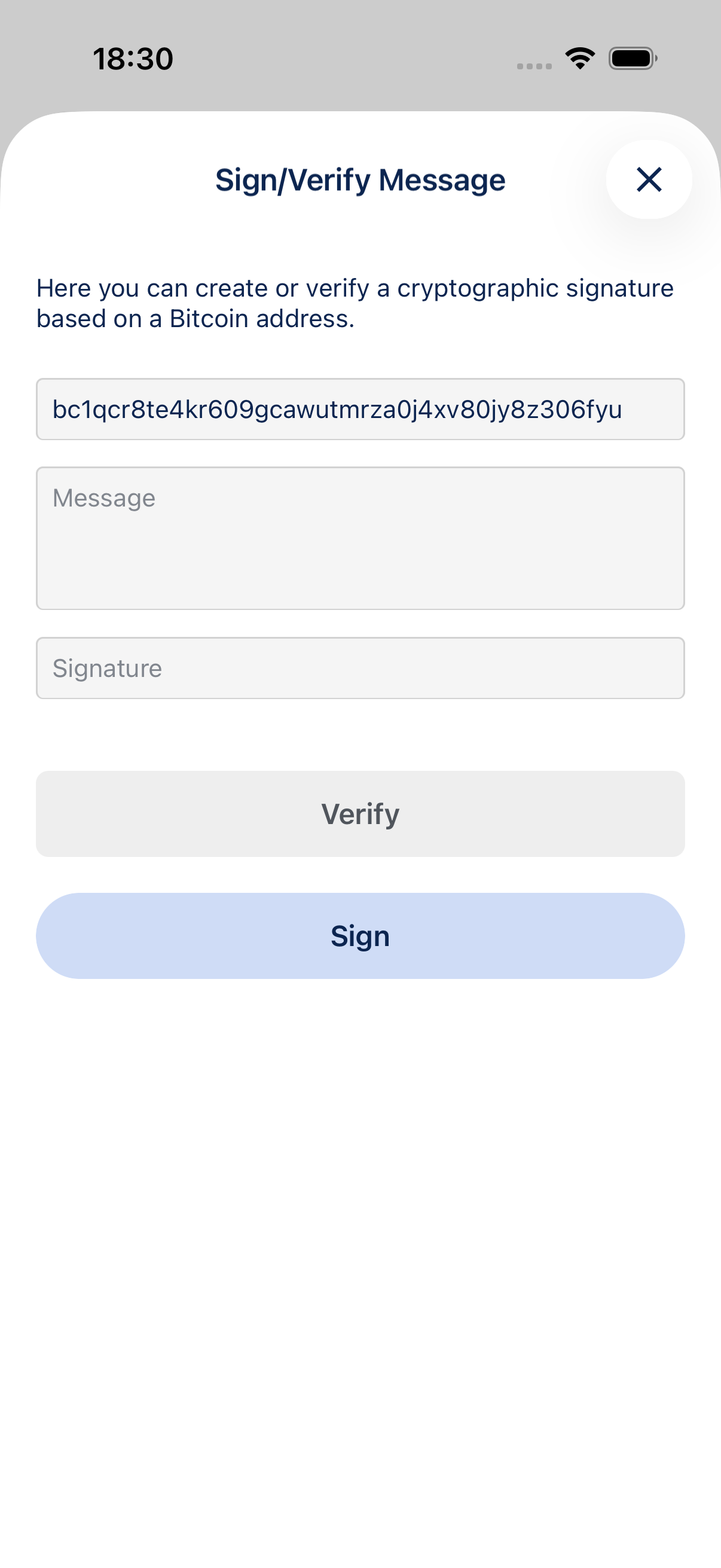
Verify an address
When someone claims to own a Bitcoin address, they can sign a short message with that address’s private key and send you the address, message, and signature.
- Paste the Address they provide (or leave the field as-is if you opened the screen from your own wallet).
- Paste the exact Message they signed. Every character must match.
- Paste their Signature.
- Tap Verify.
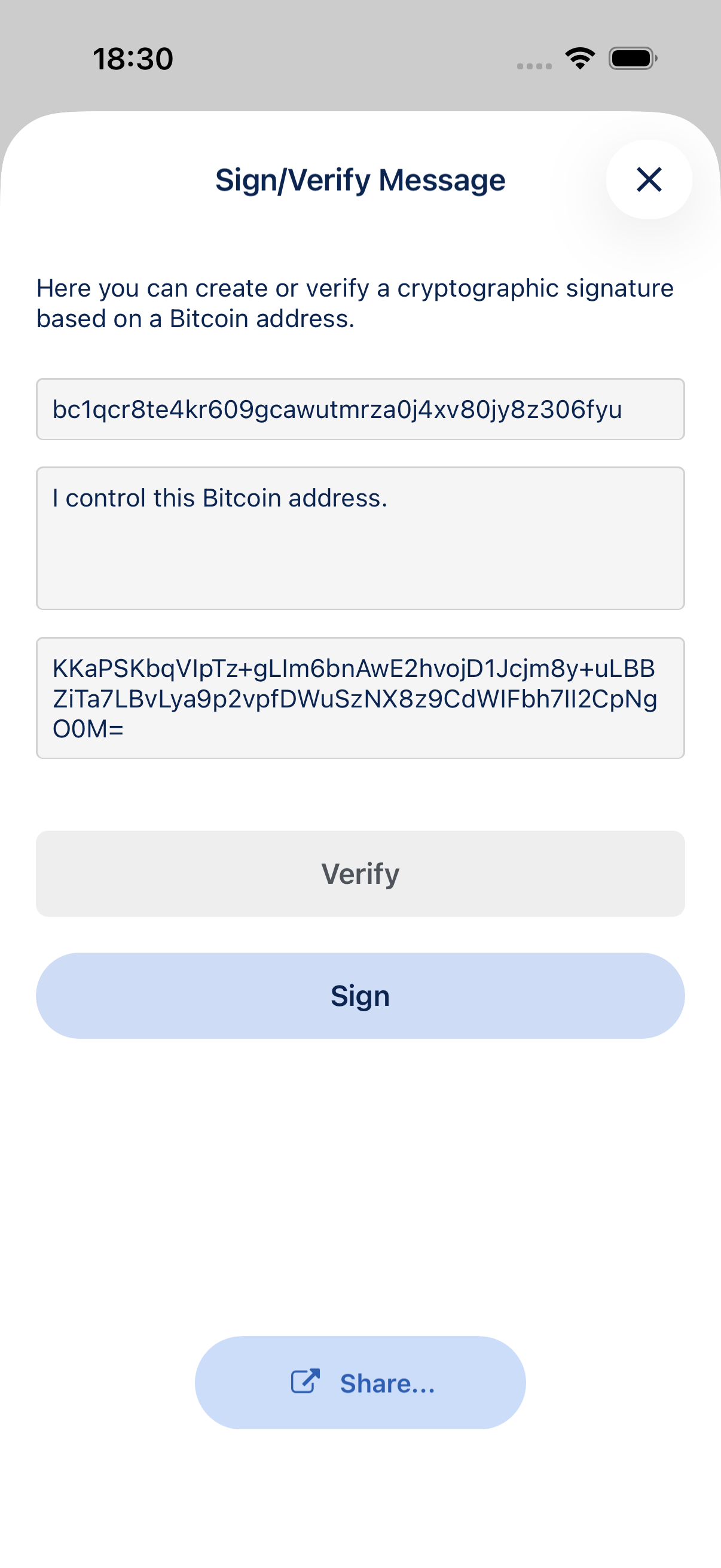
If the signature is valid for that address and message, BlueWallet shows Verification successful!
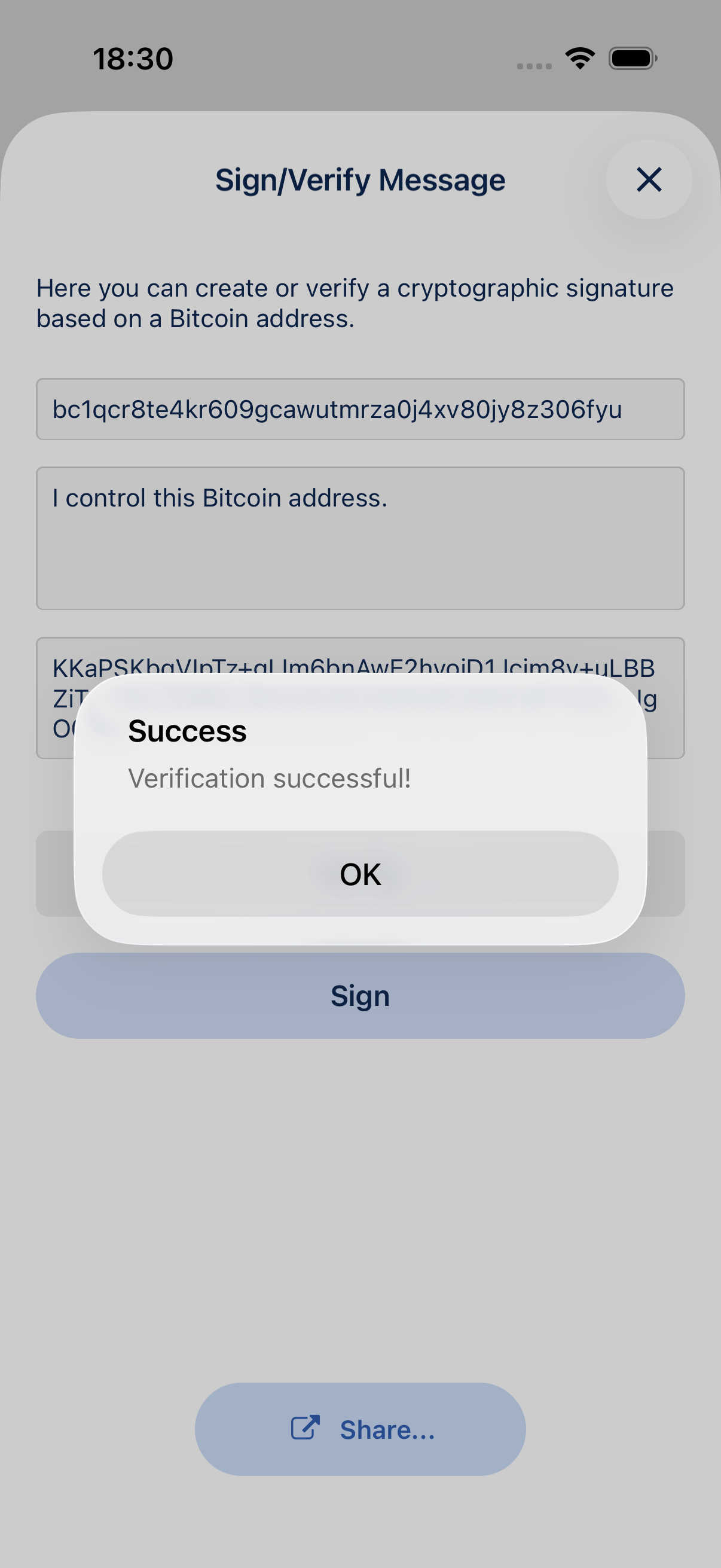
If anything does not match, you will see Verification failed! Do not trust the address until you get a valid signature or confirm the address another way.
Sign a message (prove you own an address)
To prove your own address to someone else, for example when an exchange asks you to confirm address ownership:
- Enter the Address you want to prove (pre-filled when you open the screen from your wallet).
- Type the Message: use the exact text the exchange or service gives you, or a statement that you control the address.
- Tap Sign. BlueWallet fills in the Signature field.
- Send them the address, message, and signature. Use Share to send a verification link after signing.
They can verify it in BlueWallet or any compatible Bitcoin message verification tool.
Tips
- Message signing does not spend bitcoin and does not reveal your private key.
- The message must match exactly. Extra spaces or different capitalization will fail verification.
- This feature is available on on-chain Bitcoin wallets that support message signing. Lightning-only wallets do not offer it.
- You can also open Sign/Verify from an individual address in Show addresses on wallet details.