To receive bitcoin on-chain, share your wallet’s receive address or QR code with the sender. Each time you open Receive, BlueWallet can show a fresh address for better privacy.
This guide applies to on-chain Bitcoin wallets (not Lightning).
Open your wallet
From the home screen, open the Bitcoin wallet where you want to receive funds.
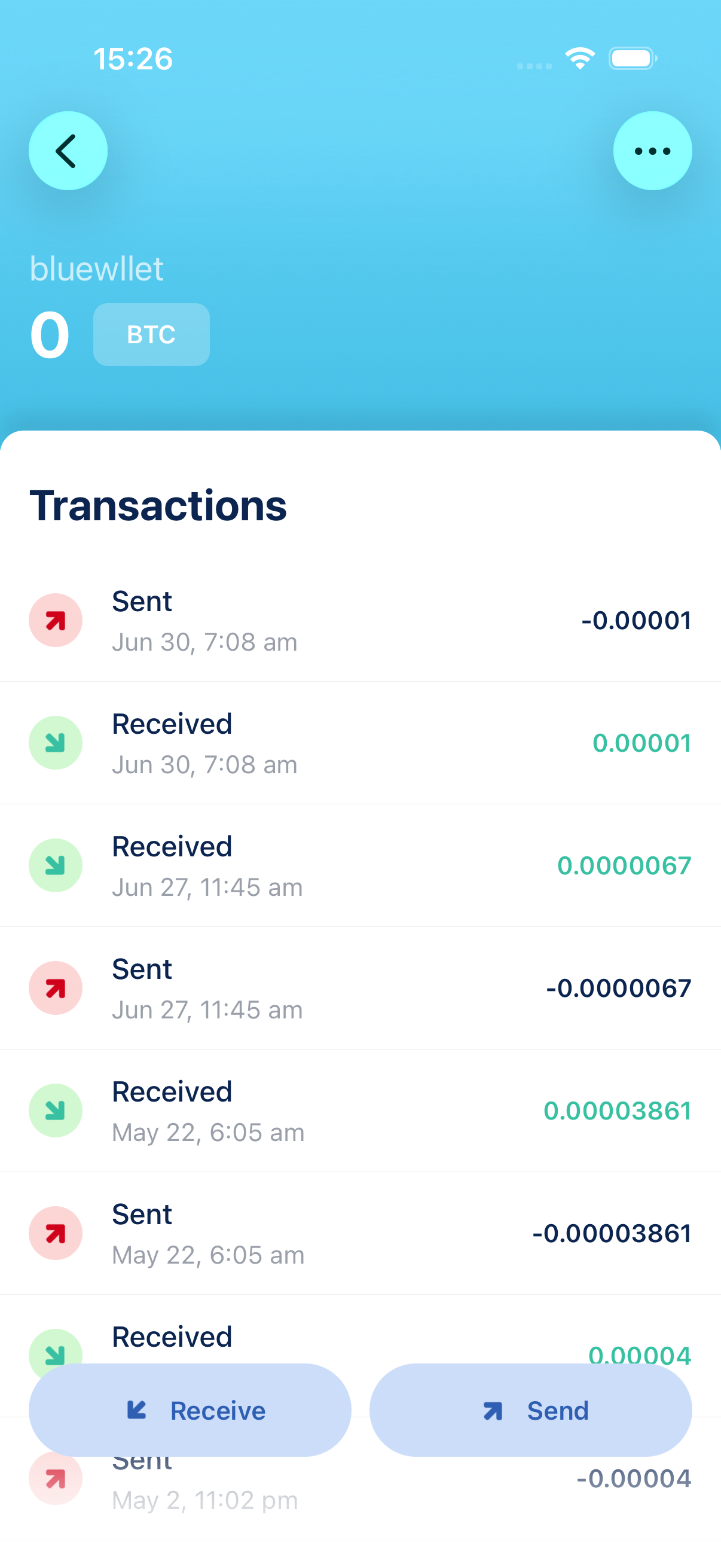
Tap Receive at the bottom of the screen.
Share your address
The receive screen shows a QR code and your Bitcoin address. Let the sender scan the QR code, or tap Copy to share the address as text.
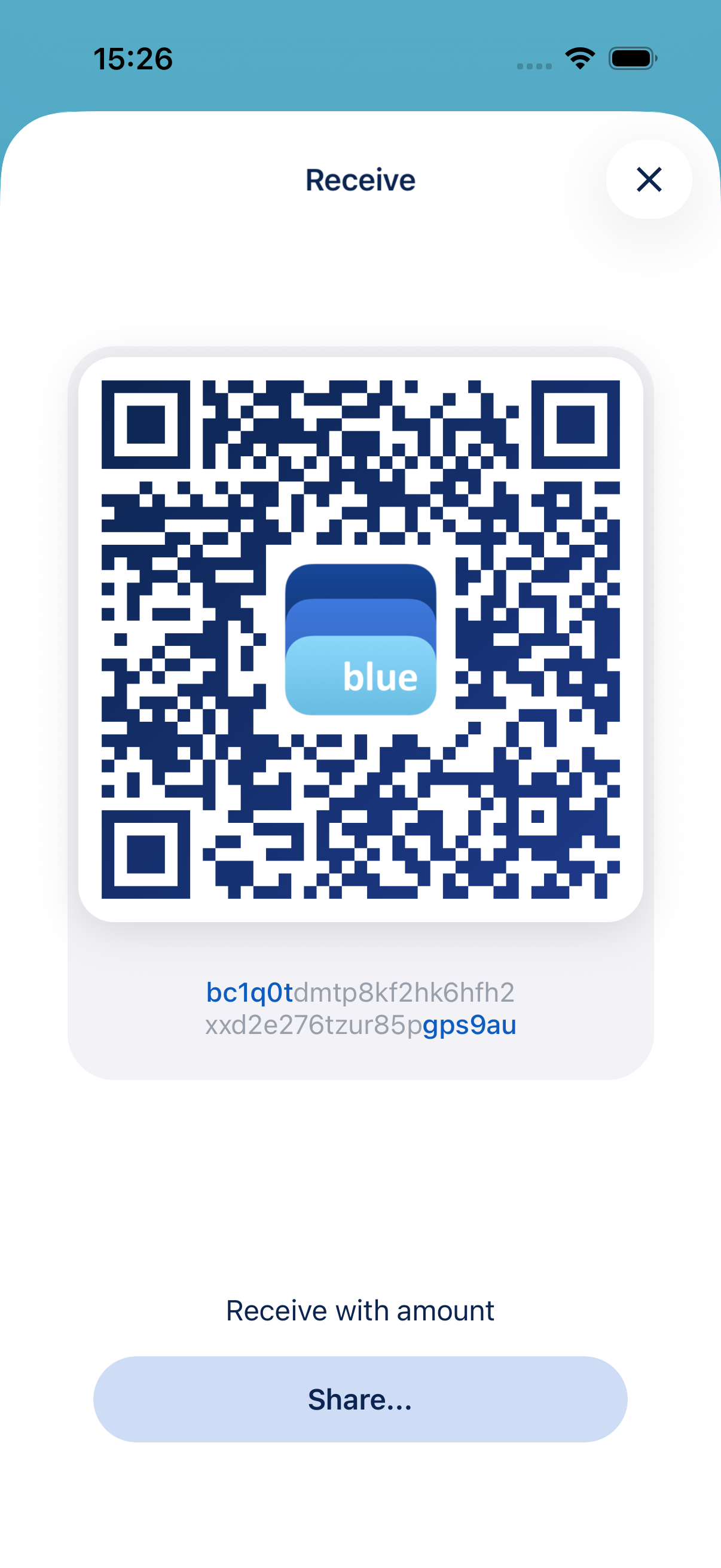
If this is your first time receiving, BlueWallet may ask you to confirm that you understand address reuse. Tap through that prompt to see the QR code.
Request a specific amount (optional)
Tap Set amount to add an amount and optional description to the QR code. This is useful when you want the payer to send an exact sum. Wallets that support BIP21 will pre-fill the amount.
Tap Save to update the QR code. Share it the same way as before.
After you receive
Incoming payments appear in your wallet’s transaction list. Tap a transaction to see its status. See Transaction status screen. Unconfirmed payments show as Pending until they get enough confirmations on the network.
Tips
- For better privacy, use a new address for each payment when possible.
- Double-check that the sender is using the correct network (Bitcoin mainnet, not a test network or another asset).
- Lightning wallets use invoices instead of addresses. See Create a Lightning wallet for receiving via Lightning.