Manage Wallets includes a search bar at the top. Use it to find a wallet by name, or to locate a specific address, transaction, or memo across your wallets.
Open search
Long-press a wallet card on the home screen to open Manage Wallets, then tap the search field.
The placeholder reads: Search wallets, addresses, transactions and memos.
Search examples
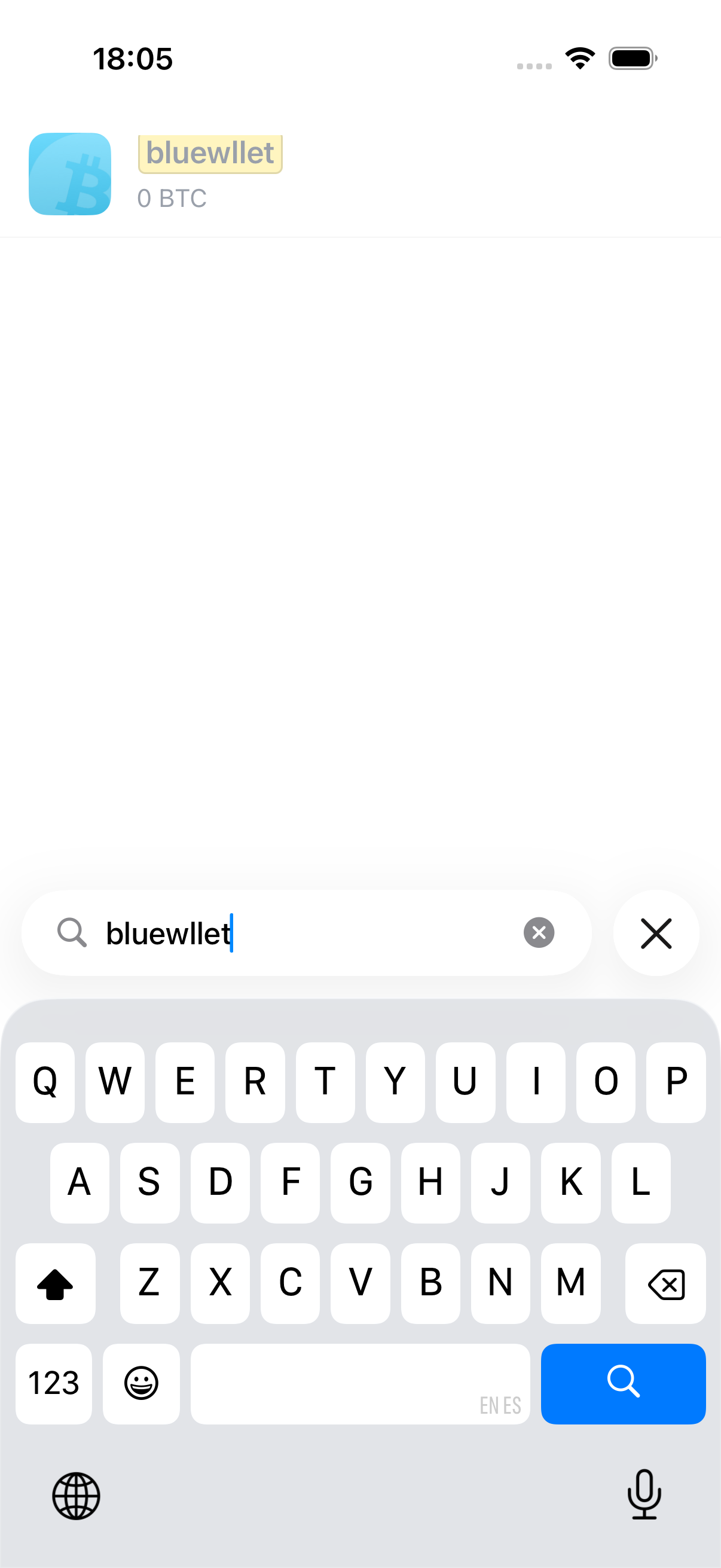
Type part of a wallet name to filter the list. Matching text is highlighted in the results.
Searching bluewllet finds a wallet with that name:
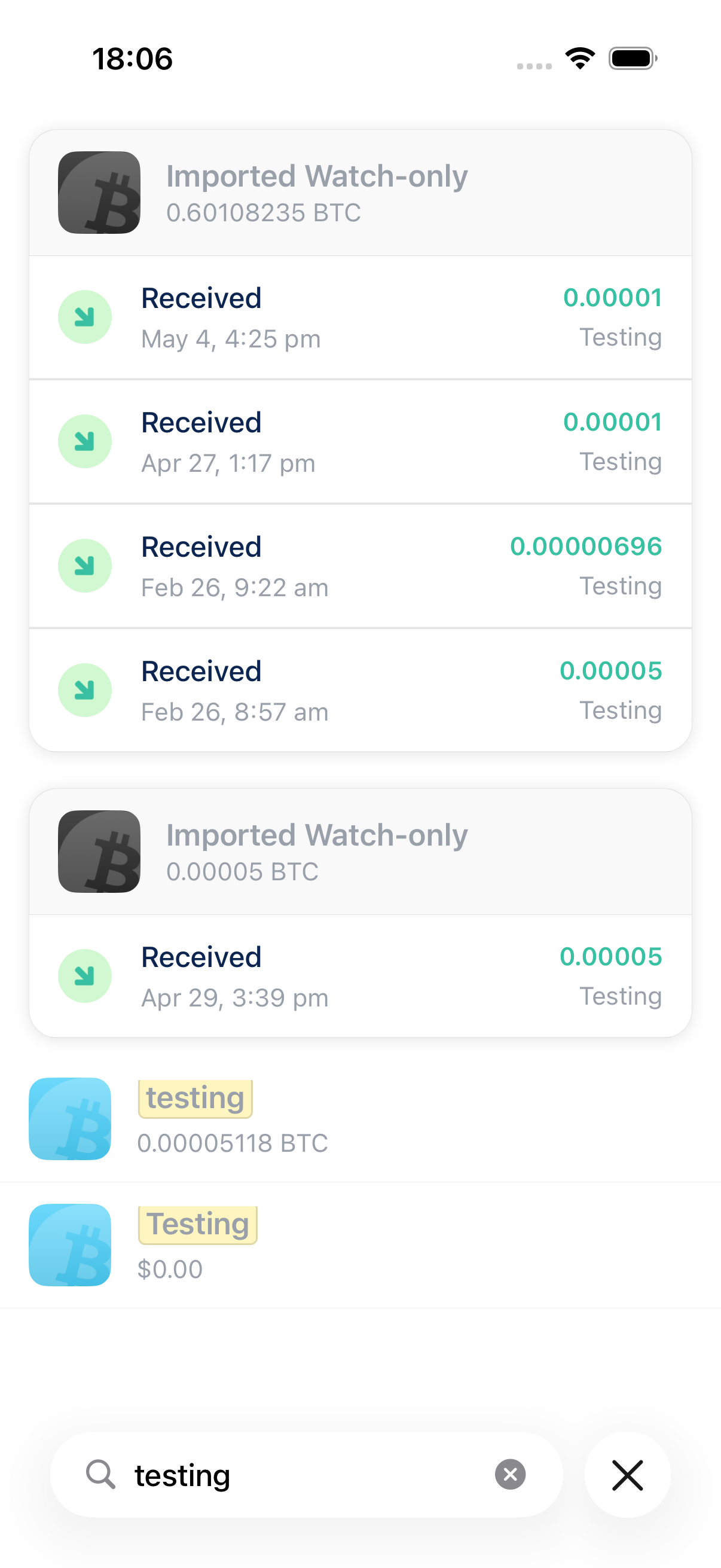
Searching testing can match wallet names, transaction memos, and more. Results are grouped under each wallet:
What search covers
- Wallet names: any label you gave a wallet when creating or renaming it.
- Addresses: receive addresses stored in your wallets.
- Transactions: on-chain transaction IDs and amounts.
- Memos: notes you added to transactions.
When a match is not the wallet name itself, Manage Wallets groups the related transactions or addresses under that wallet.
Tips
- Clear the search field to see all wallets again.
- While search is active, drag-to-reorder is disabled. Clear search first if you want to reorder wallets.
- Search is not case-sensitive.