Before you send bitcoin to an address, or when someone sends you one to double-check, you can confirm whether it belongs to a wallet already in BlueWallet.
Open the tool
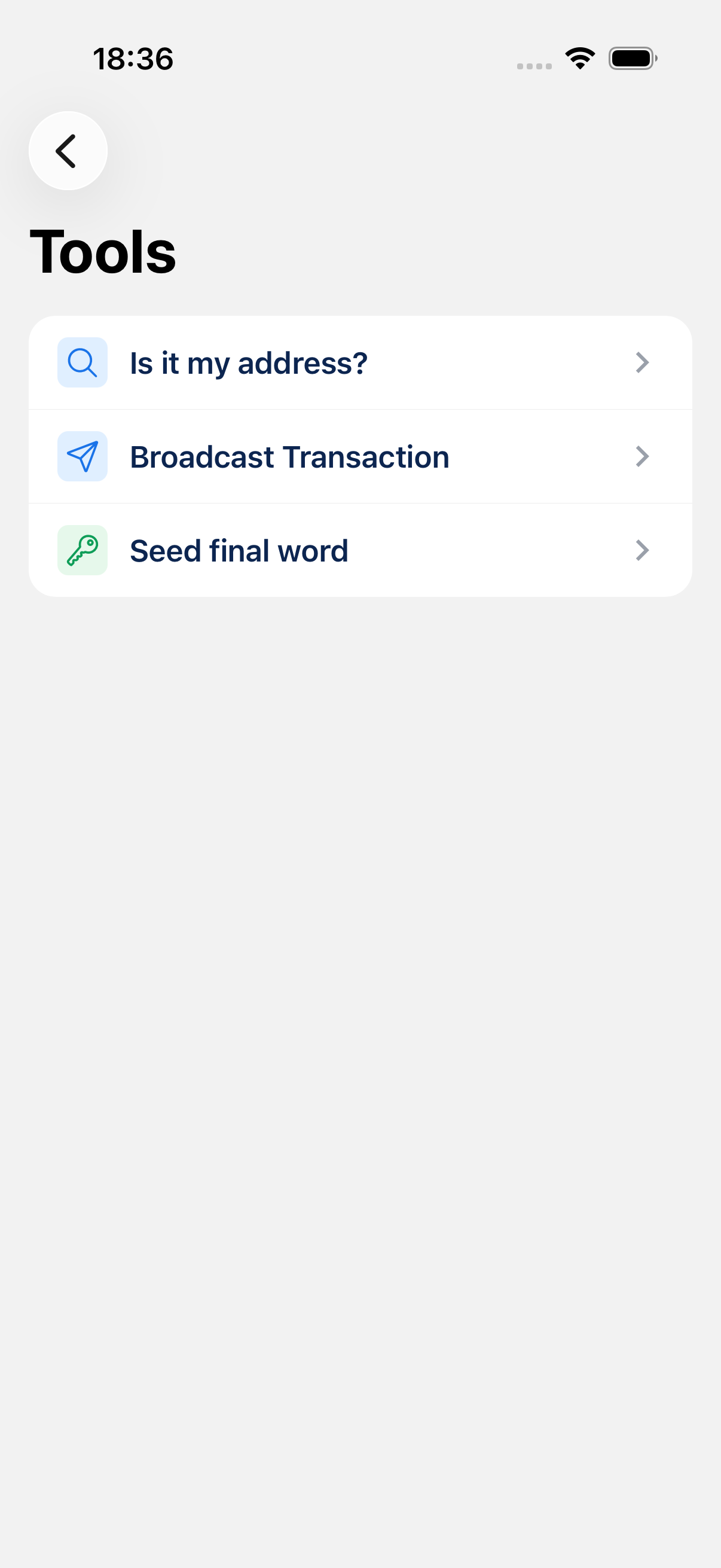
Go to Settings (gear icon on the home screen) → Tools → Is it my address?
Check an address
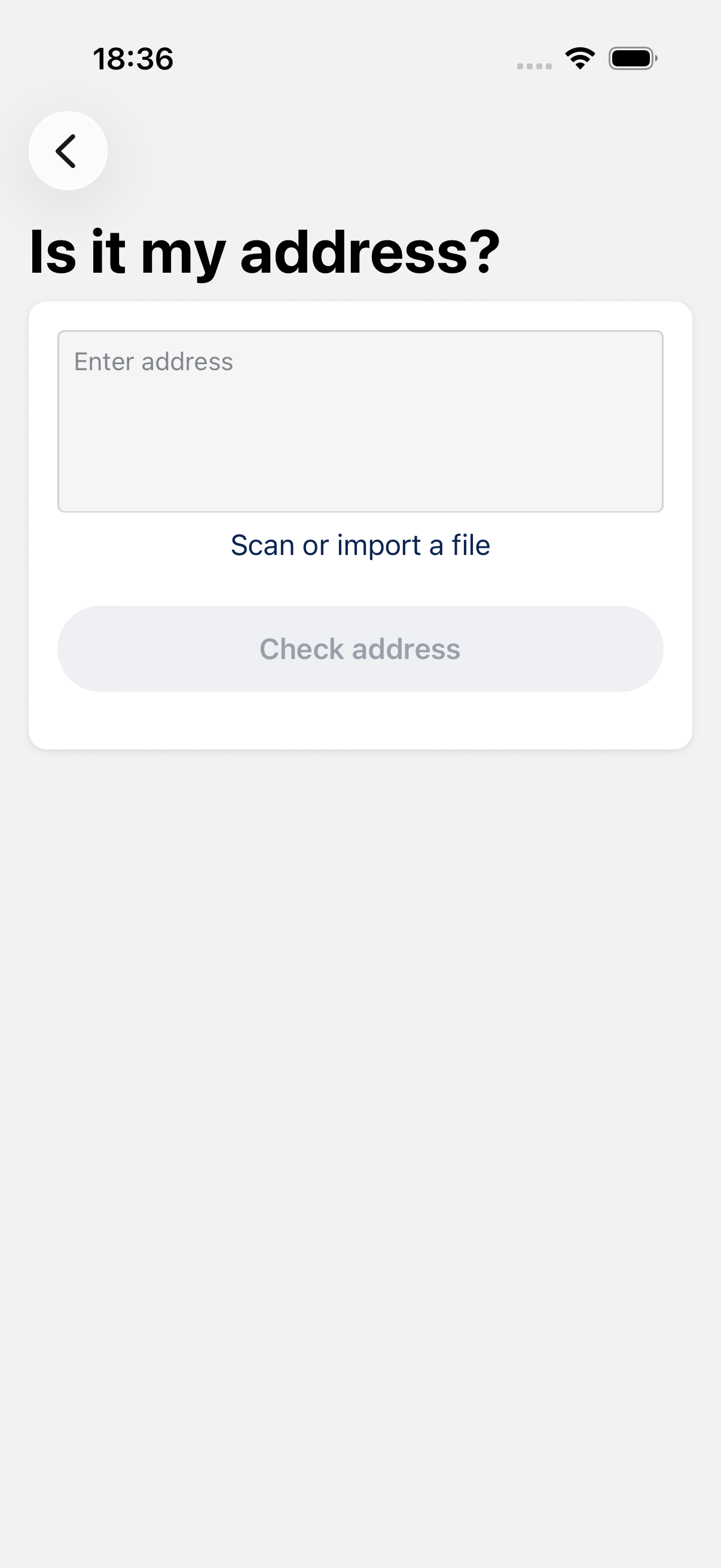
Paste or type a Bitcoin address into the field. You can also tap Scan QR code to fill it from the camera.
Tap Check address. BlueWallet searches all wallets on this device.
If a wallet owns the address
BlueWallet shows which wallet(s) contain that address, with a message like testing owns bc1q…. Tap the wallet card to open it.
If no wallet owns the address
You see an alert: None of the available wallets own the provided address. The address may belong to someone else, a wallet not imported on this phone, or it may have been typed incorrectly.
View QR Code
After entering an address, View QR Code opens the receive screen for that address so you can compare or share it.
When to use it
- Someone sent you an address and you want to confirm it is one of yours before replying.
- You are about to withdraw from an exchange and want to verify you pasted your own receive address.
- You have multiple wallets and are not sure which one generated a given address.
Tips
- This tool only checks wallets stored in BlueWallet on this device. It cannot look up arbitrary addresses on the blockchain.
- BIP21 links (
bitcoin:…) are supported; the address part is extracted automatically. - Lightning invoices and non-Bitcoin addresses are not supported here.