Password Protected encrypts all wallet data stored on your device. When enabled, BlueWallet asks for this password every time you open the app.
This is a local storage password. It is not a BlueWallet account login. There is no email, no server, and no way to recover the password if you forget it.
What it protects
Password Protected encrypts the entire wallet storage on your phone or tablet. This includes your wallets, transaction history, and related app data saved in the device secure storage.
It does not add a password to individual wallets. Your recovery phrase (seed words) is still what backs up each wallet. If you lose the storage password but still have your seed phrases, you can reinstall BlueWallet and import your wallets again.
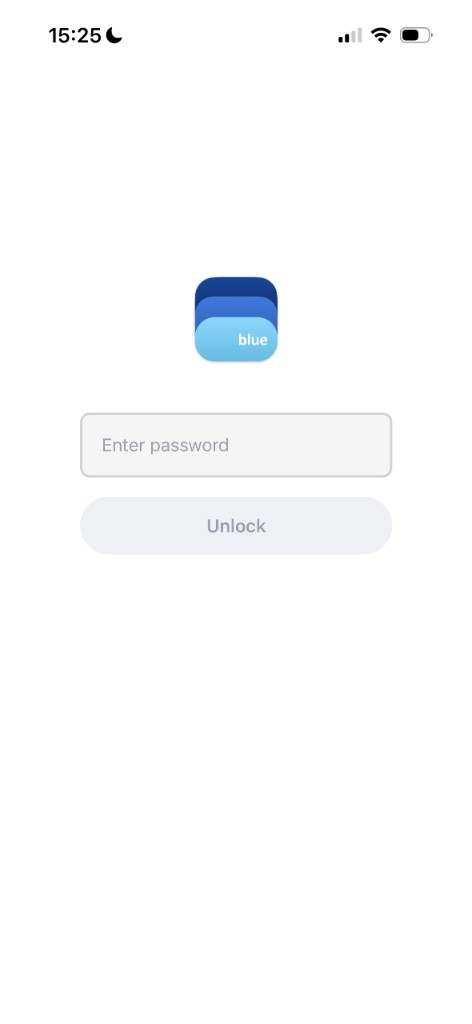
When the app is locked, you see the unlock screen:
Password vs biometrics
Password Protected and Use Face ID (or Touch ID / biometrics) are separate settings on the same screen.
- Password Protected encrypts your storage. When it is on, you must enter the storage password to open the app. Face ID does not replace it.
- Use Face ID confirms your identity for sensitive actions like sending, exporting, or deleting a wallet. When storage is not encrypted, biometrics can also unlock the app on launch.
You can use both together: the storage password opens the app, and biometrics can still protect individual actions inside it.
Enable Password Protected
- Open Settings (top right menu on the home screen).
- Tap Security.
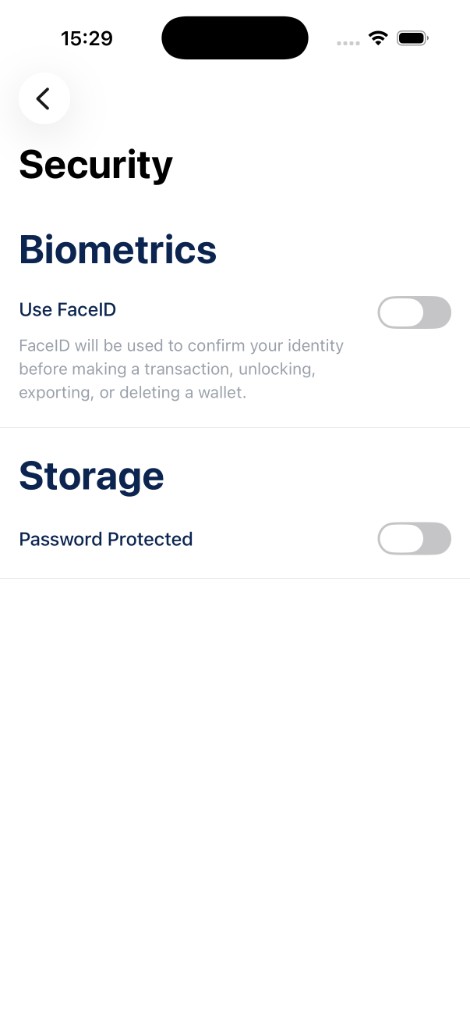
- Under Storage, turn on Password Protected.
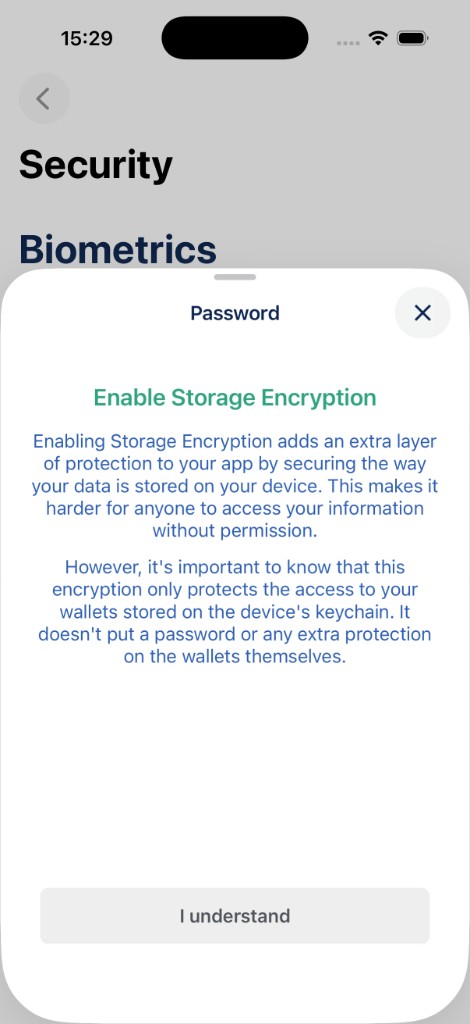
- Read the explanation and tap I understand.
- Enter a password and confirm it.
Choose a password you will remember. BlueWallet does not store it anywhere you can retrieve later. If you forget it, the only way to get your funds back is through your wallet seed phrases, not through BlueWallet support.
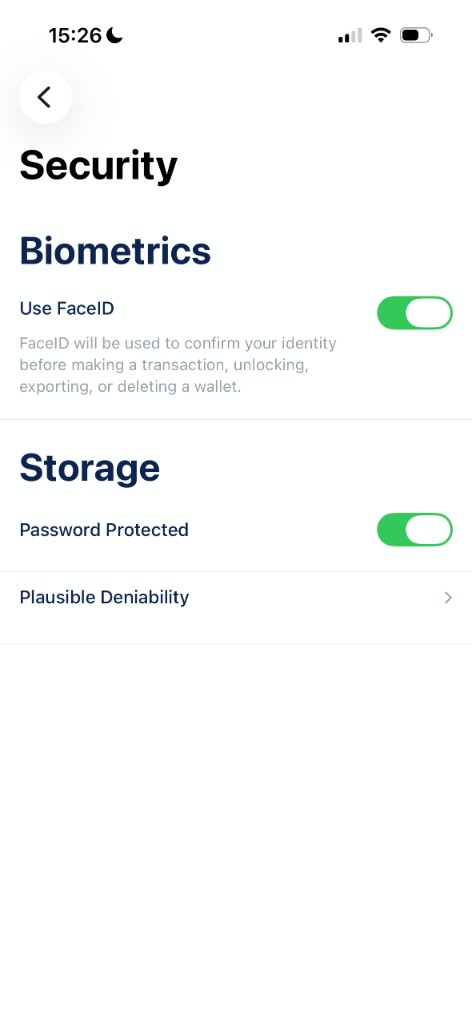
Once enabled, the toggle stays on:
Disable Password Protected
To remove the password and decrypt your storage:
- Unlock the app with your current password.
- Go to Settings → Security.
- Turn Password Protected off.
- Confirm Decrypt Storage and enter your current password.
Your wallets will be accessible again without a storage password. Your seed phrase backups are unchanged.
There is no “change password” option. To use a different password, disable encryption first, then enable it again with the new one.
If you forget the password
BlueWallet cannot reset or recover your storage password. There is no forgot-password flow and no account to restore from.
Your options:
- Remember the password and unlock the app normally.
- Use your seed phrases to restore wallets on a fresh install if you have them backed up safely.
Without the password or your seed phrases, the encrypted data on the device cannot be opened.
Forgot password but want to re-import my wallets
On iOS, after 10 failed unlock attempts, the app will ask to reset storage. This deletes all wallets from the device and removes encryption. It does not recover your password or your coins.
Only use this if you accept losing local wallet data and plan to restore from your seed phrases.
Plausible Deniability
When Password Protected is enabled, you can also set up Plausible Deniability from the same Security screen. This creates a second encrypted storage with a different password for duress situations.
See Plausible Deniability - Duress for how to create a decoy storage, switch between storages, remove encryption, and back up your seed phrases.
Tips
- Back up every wallet’s recovery phrase before enabling encryption.
- Do not confuse the storage password with your wallet seed phrase or a BIP39 passphrase (25th word). They are different things. See Import with a passphrase if your backup uses a passphrase.
- Some features, such as home screen widgets, may be limited while storage encryption is enabled.