When you import a recovery phrase, BlueWallet tries to find the correct wallet format and derivation path. By default it checks the most common paths.
Enable Search accounts to scan a wider set of known derivation paths. This is useful if your wallet was created in another app or uses a less common account structure.
Open the import options menu
Go to the import screen and tap ⋯ in the top-right corner.
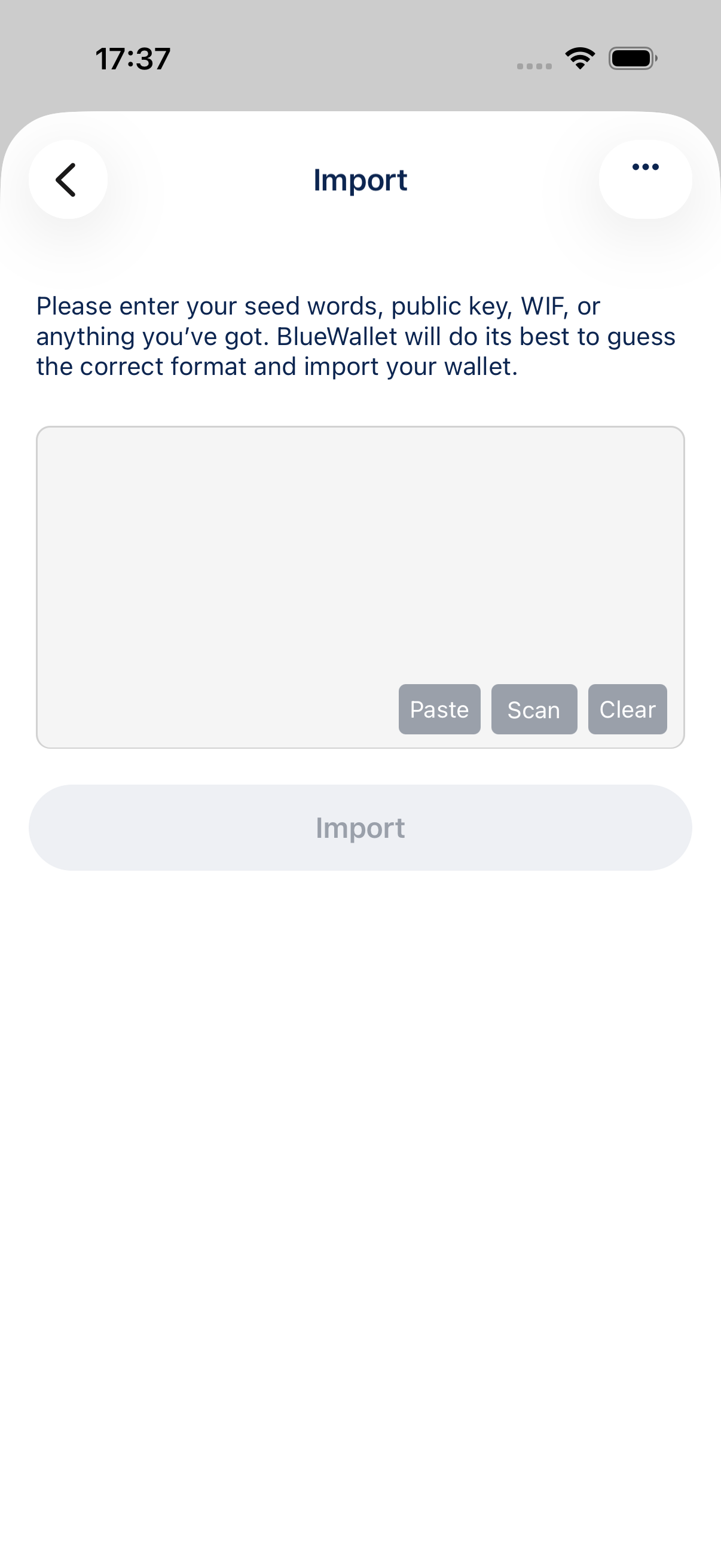
The menu lists advanced import options.
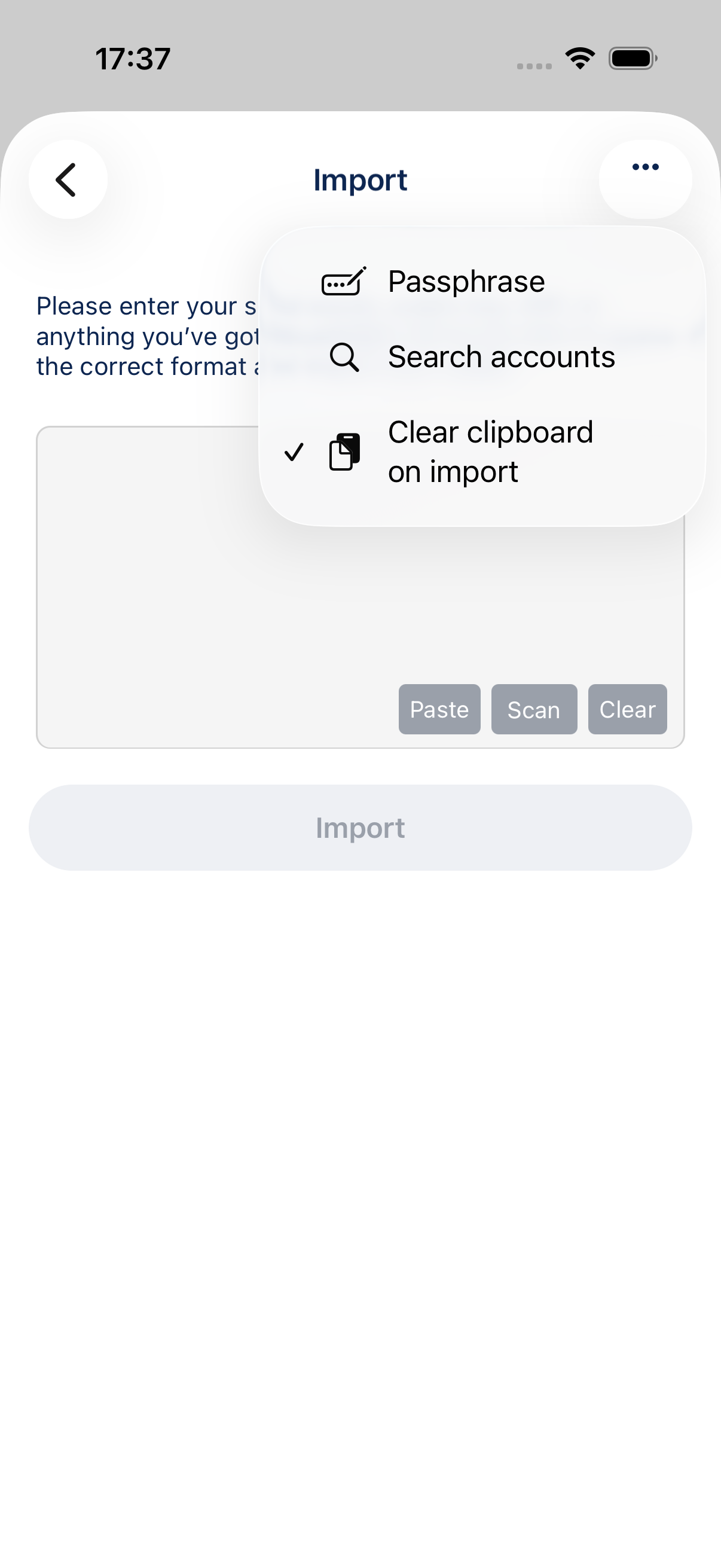
Enable Search accounts
Tap Search accounts to turn it on. A checkmark shows the option is active.
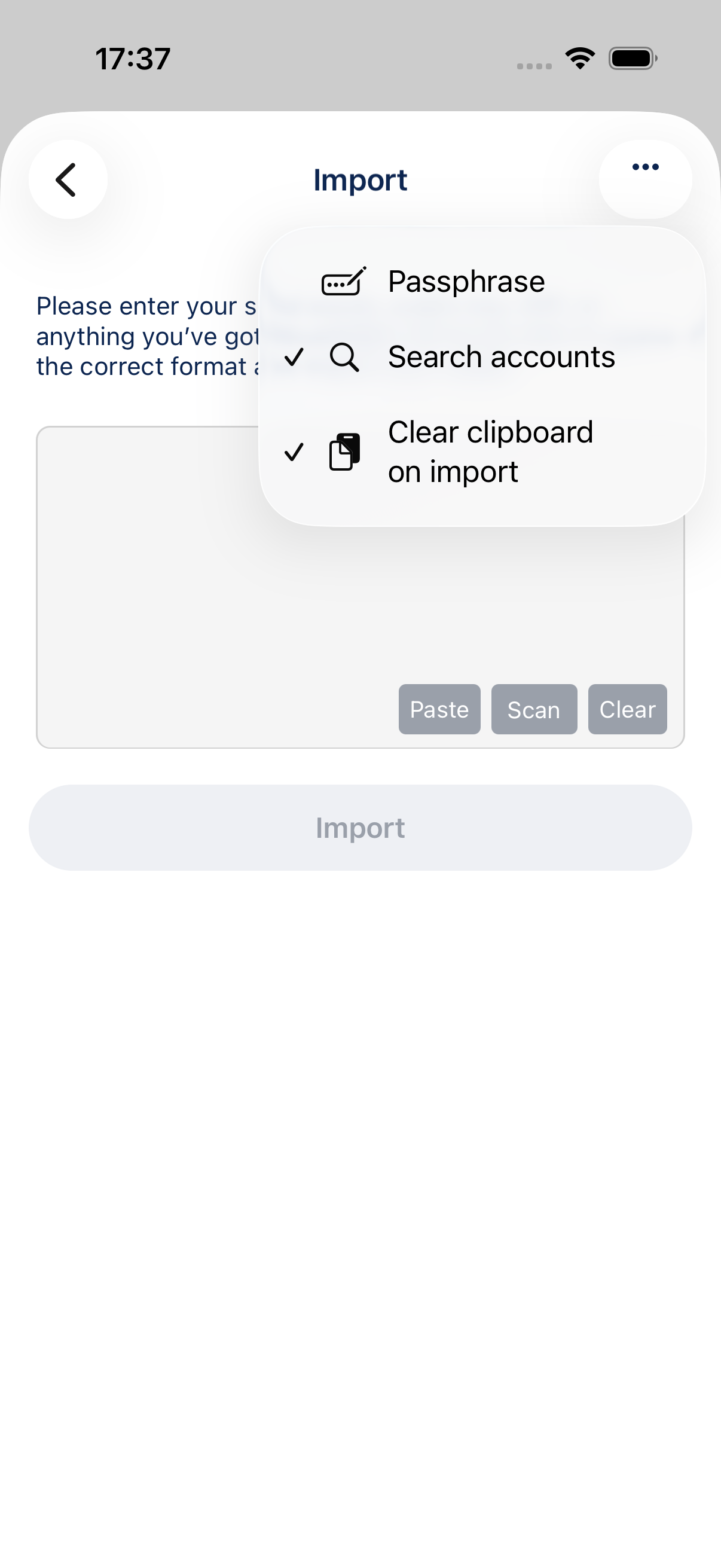
Enter your backup and tap Import. BlueWallet will search more derivation paths during discovery. This can take longer than a normal import.
When to use it
- Your wallet was imported elsewhere but BlueWallet only finds an empty or wrong wallet.
- You know the wallet uses a non-default derivation path.
- You are recovering an older wallet and are not sure which address type it used.
Tips
- Leave Search accounts off for a faster import when you know BlueWallet already detects your wallet correctly.
- If discovery still does not find your wallet, try import with a passphrase or enter a custom derivation path.