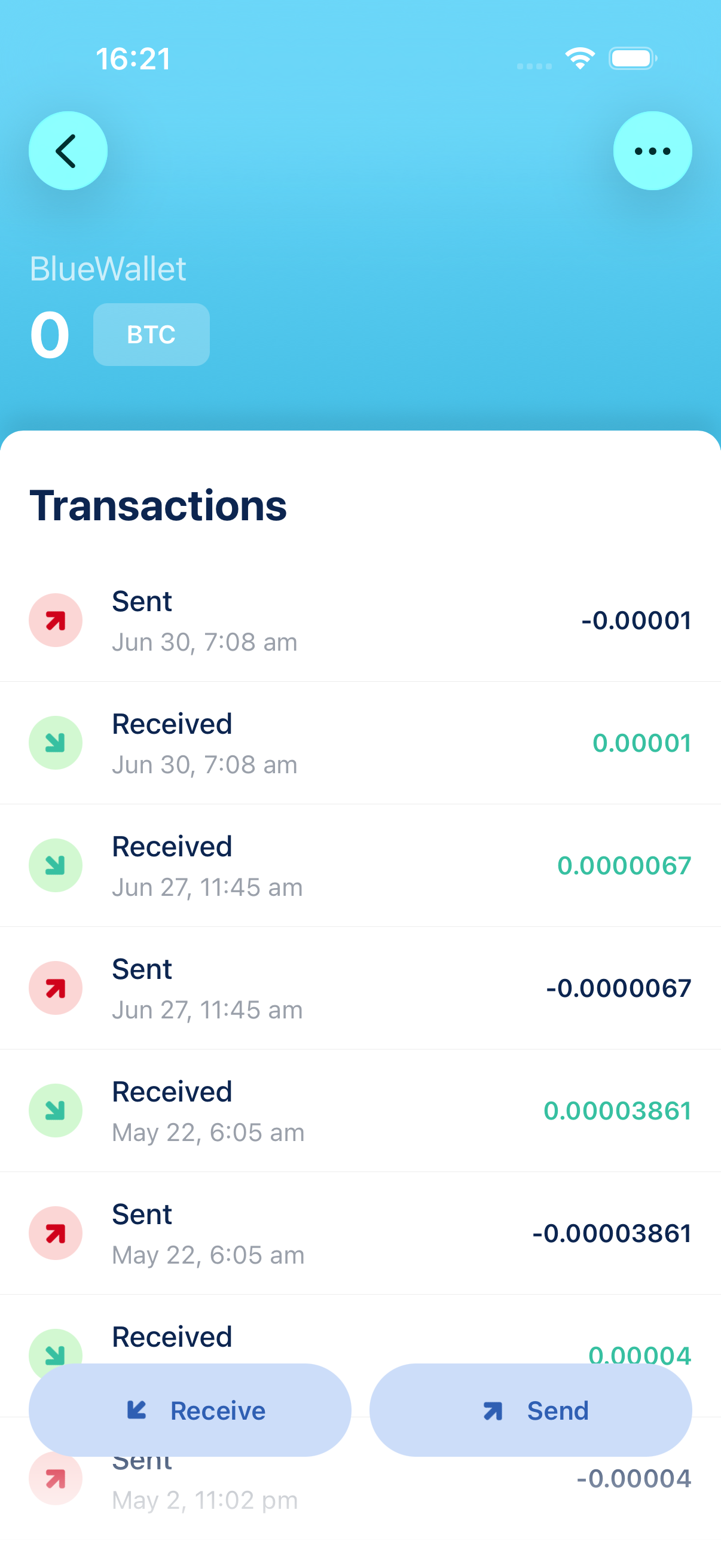
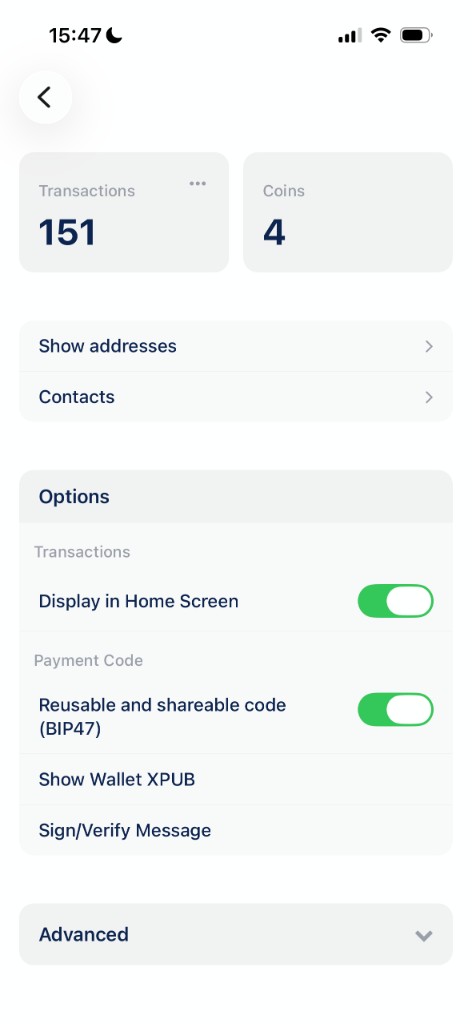
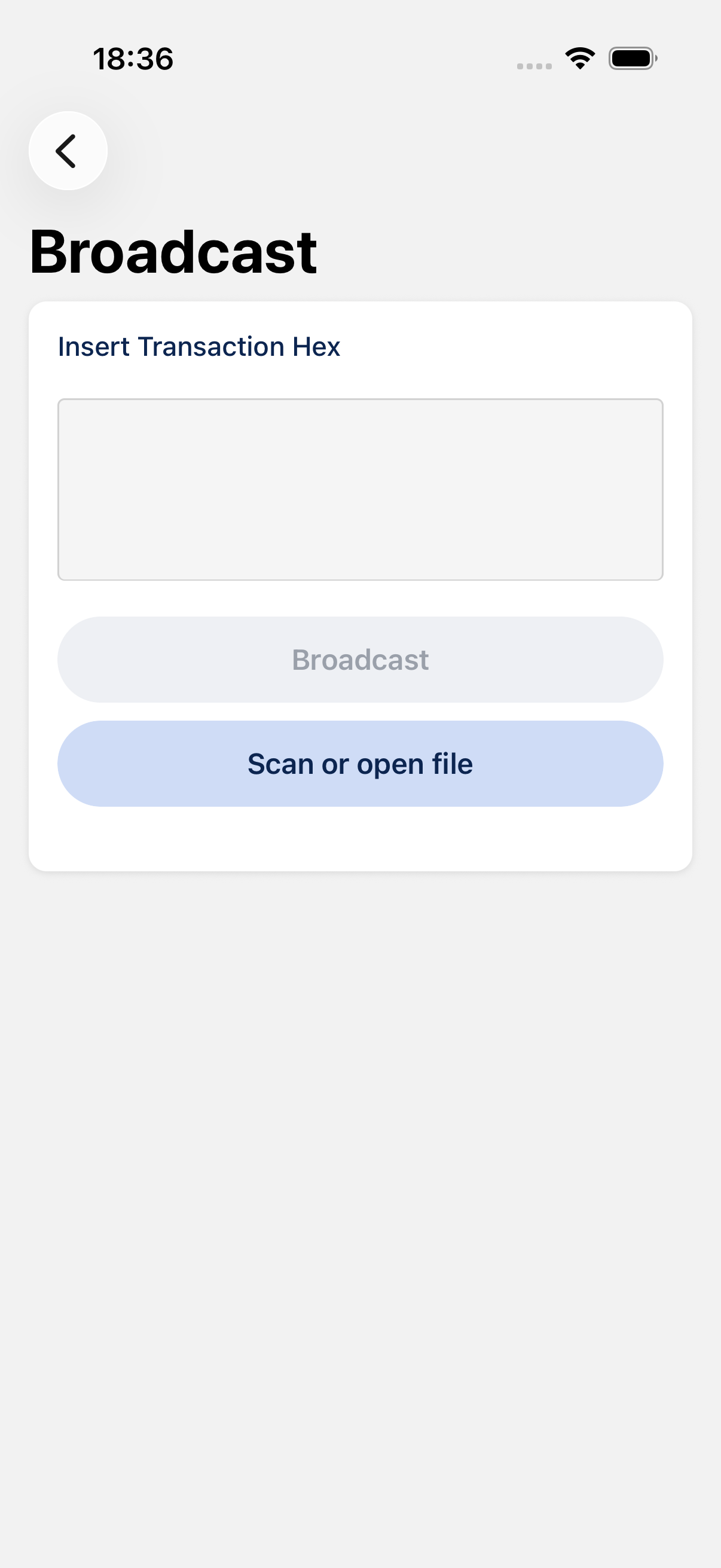
Yes. Your keys are generated and stored on your device. BlueWallet cannot move your bitcoin, recover a lost seed, or reset access. See Create a Bitcoin wallet and Backup and export a wallet.
A Bitcoin wallet built for you
Create a secure Bitcoin wallet in seconds, or import one you already use. Simple for beginners, powerful for experienced users. Your keys. Your bitcoin. Your wallet.


The basics
Powerful when you need it
Self-custody — Your keys, your bitcoin
Don't leave your coins with others. Own your Bitcoin. Your keys never leave your device.
Notifications
Never miss a transaction. Push notifications for pending and confirmed transactions.
Fees & Transactions control
Control fees. Easily Speed up, Cancel or Batch transactions. With RBF and CPFP.
Wallets supported
BlueWallet supports a wide range of Bitcoin wallet formats, making it easier to recover old wallets and maintain compatibility with other services.
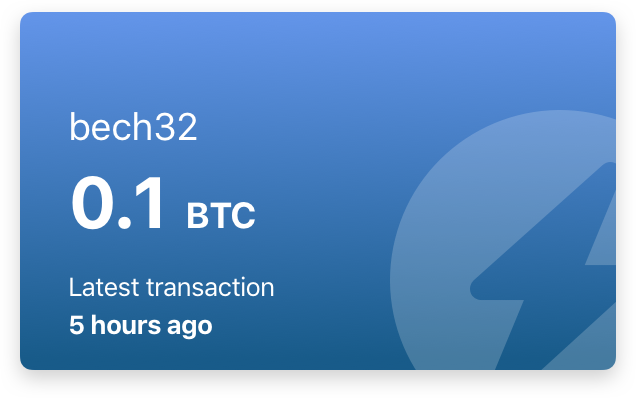
Bitcoin Wallet
RecommendedThe best choice for most people.
Create a modern Native SegWit wallet with multiple addresses, lower transaction fees and full control over your bitcoin.
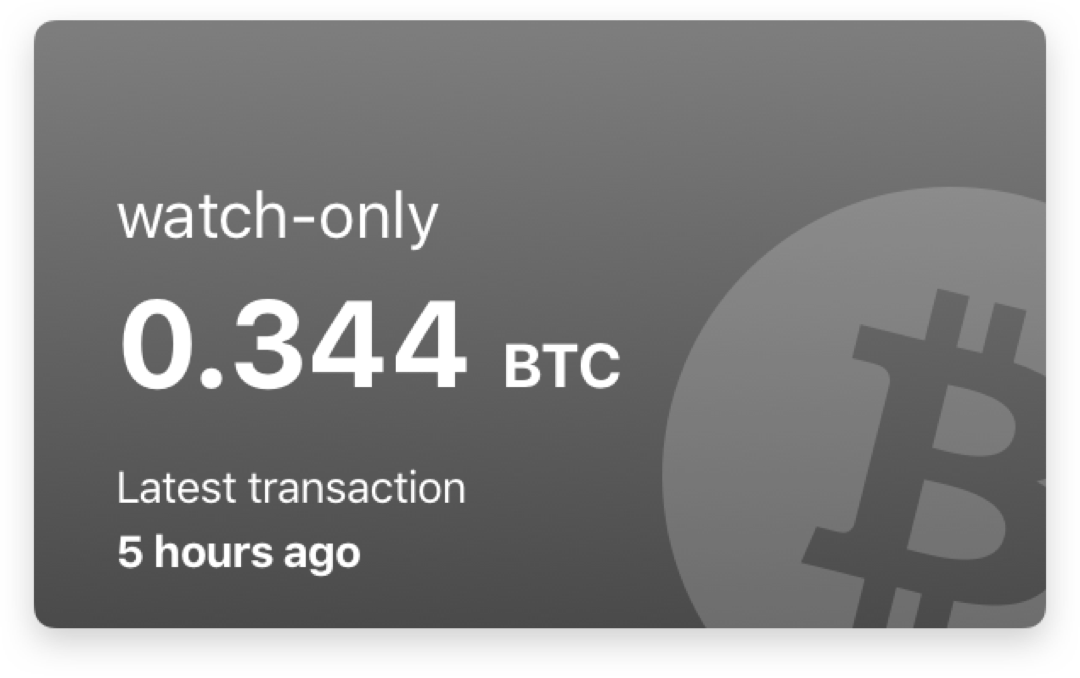
Watch-only Wallet
Monitor your bitcoin without storing private keys on your phone.
Track balances, generate receiving addresses and review transactions while keeping your signing keys safely offline.
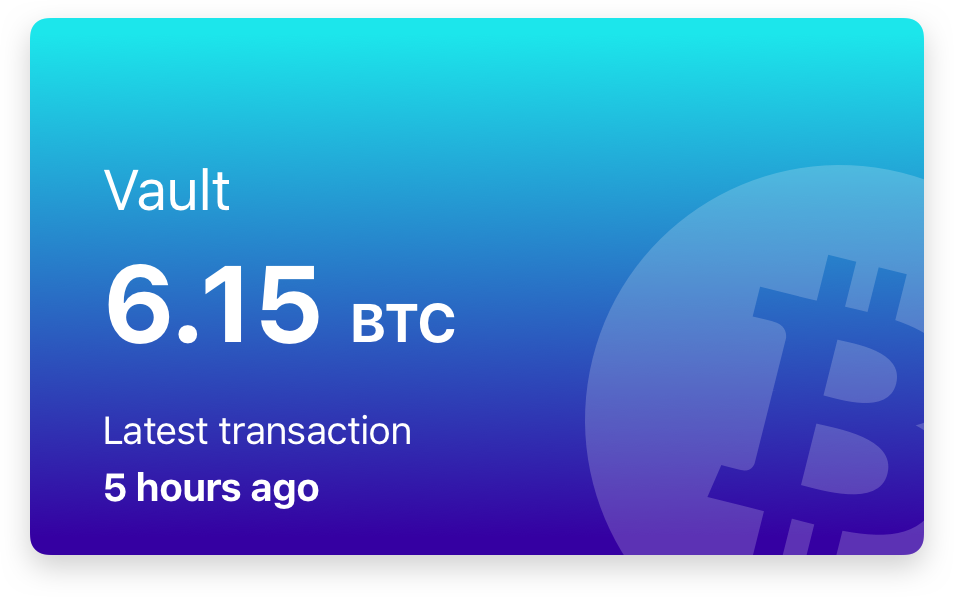
Multisig Vault
Protect your bitcoin with multiple keys.
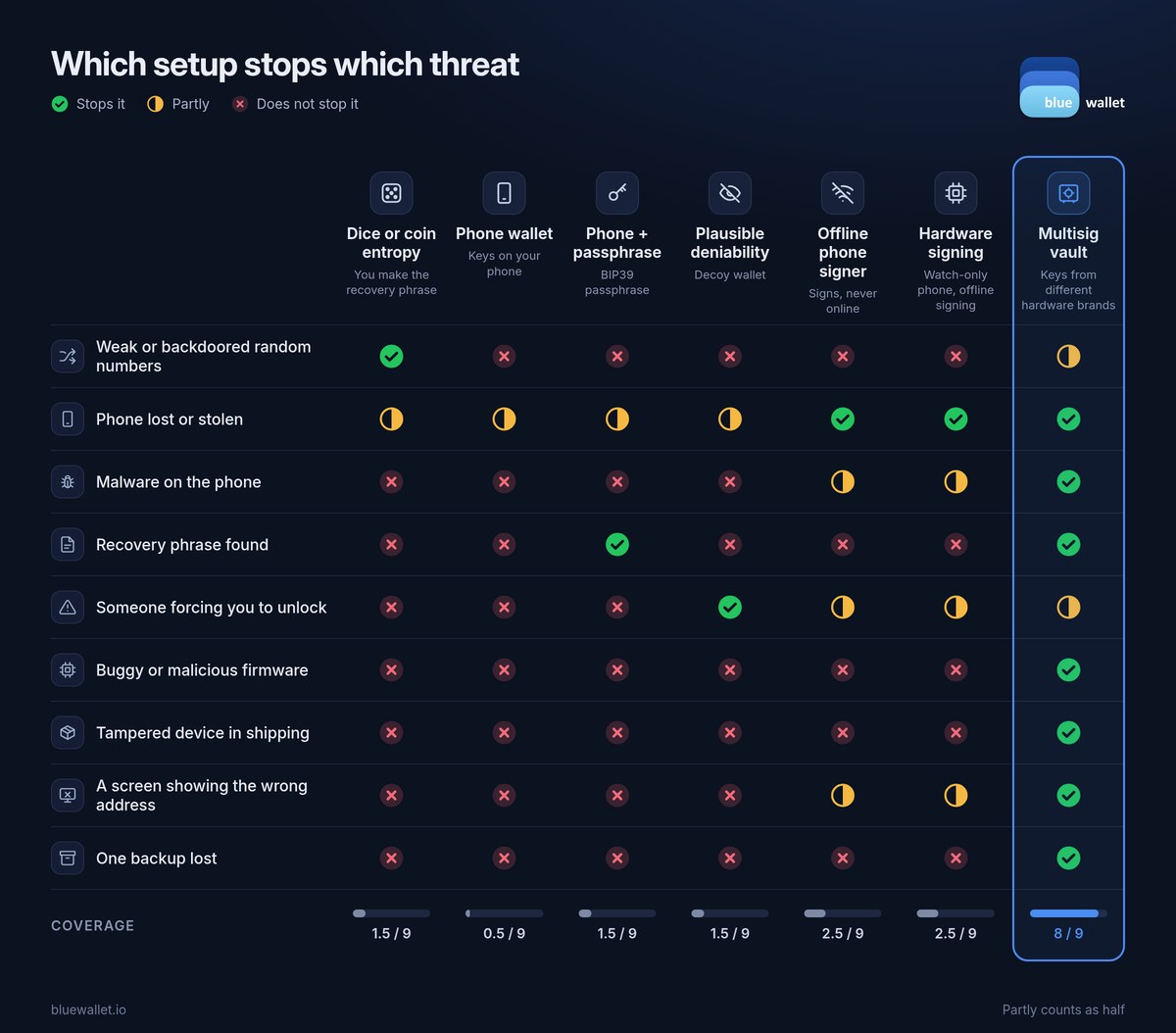
A multisig vault requires more than one key to approve a transaction, reducing the risk of losing funds if a single device or backup is compromised.
Ideal for larger balances, shared custody and long-term savings.
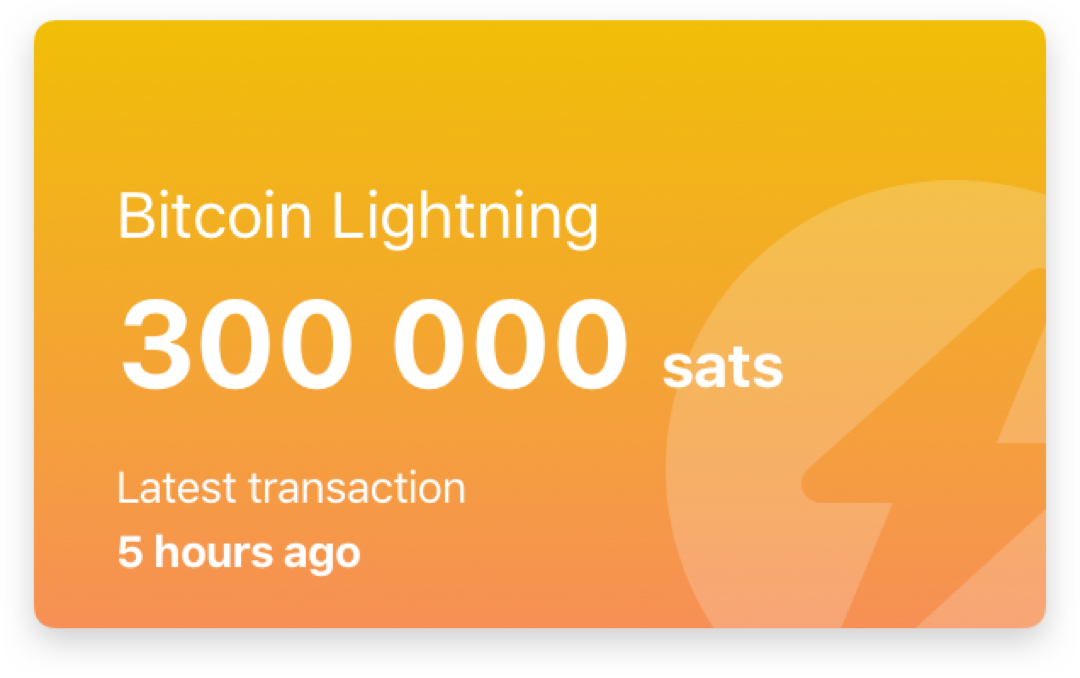
Lightning Wallet
Send and receive instant Bitcoin payments over the Lightning Network.
Connect BlueWallet to your own Lightning node and manage fast, low-cost payments from the same app.
Wrapped SegWit
Advanced ModeA SegWit wallet designed for compatibility with older exchanges and services.
Single Address
Advanced ModeA wallet that reuses the same receiving address.
Useful for specific workflows, but not recommended for everyday use because address reuse reduces privacy.
Legacy
Import older Bitcoin wallets with addresses beginning with 1.
Legacy wallets remain supported, although newer address formats generally provide better efficiency and lower fees.
Electrum
Import wallets created with Electrum-specific seed formats.
BlueWallet automatically recognizes supported Electrum seeds and restores the appropriate wallet.
BRD and Breadwallet
Recover wallets created with BRD or Breadwallet.
BlueWallet supports their custom recovery format, helping you regain access without depending on the original app.
Frequently asked questions
Quick answers about creating, importing, and using a Bitcoin wallet in BlueWallet
-
Is BlueWallet a self-custody wallet?
-
Which wallet type should I create?
For most people, the default Bitcoin wallet (Native SegWit, multiple addresses). Use Watch-only to monitor keys you keep offline, a Multisig Vault for larger savings, and Lightning for small, instant payments from your own node. Wrapped SegWit, Single Address, and Legacy are under Advanced Mode for compatibility or recovery, not everyday use.
-
How do I create a new Bitcoin wallet?
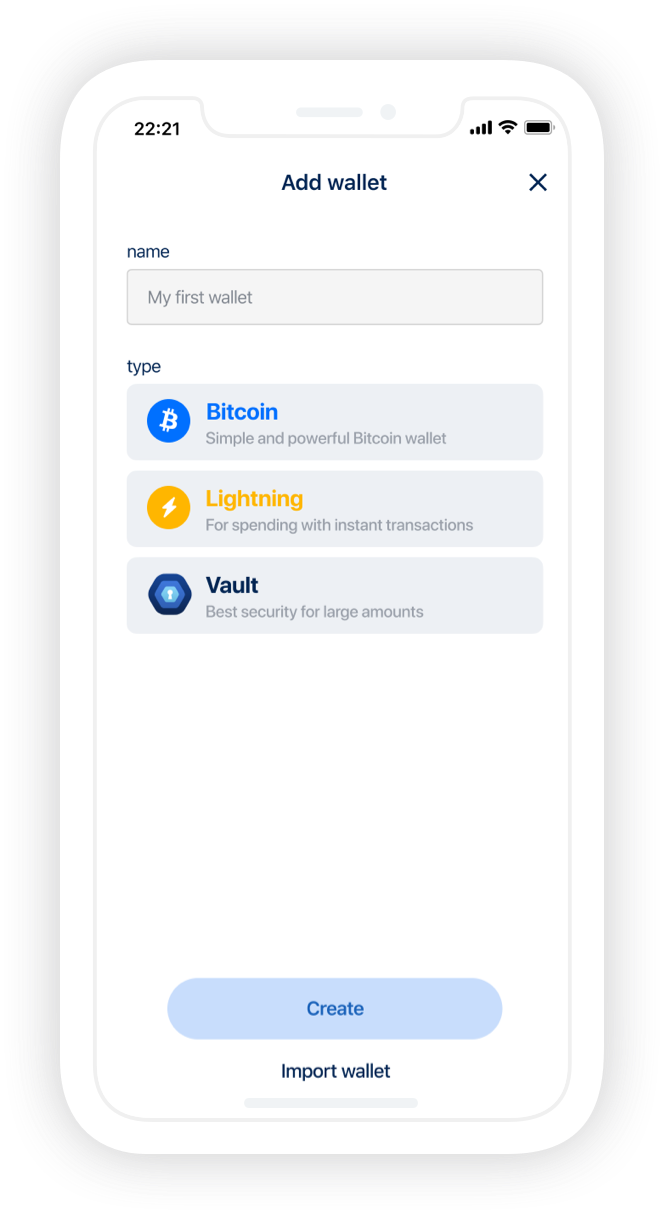
Tap + (or Add now), choose Bitcoin, optionally name it, then create. Write down the recovery phrase on paper, store it offline, and never share it. Step-by-step: Create a Bitcoin wallet.
-
Can I import a wallet from another app?
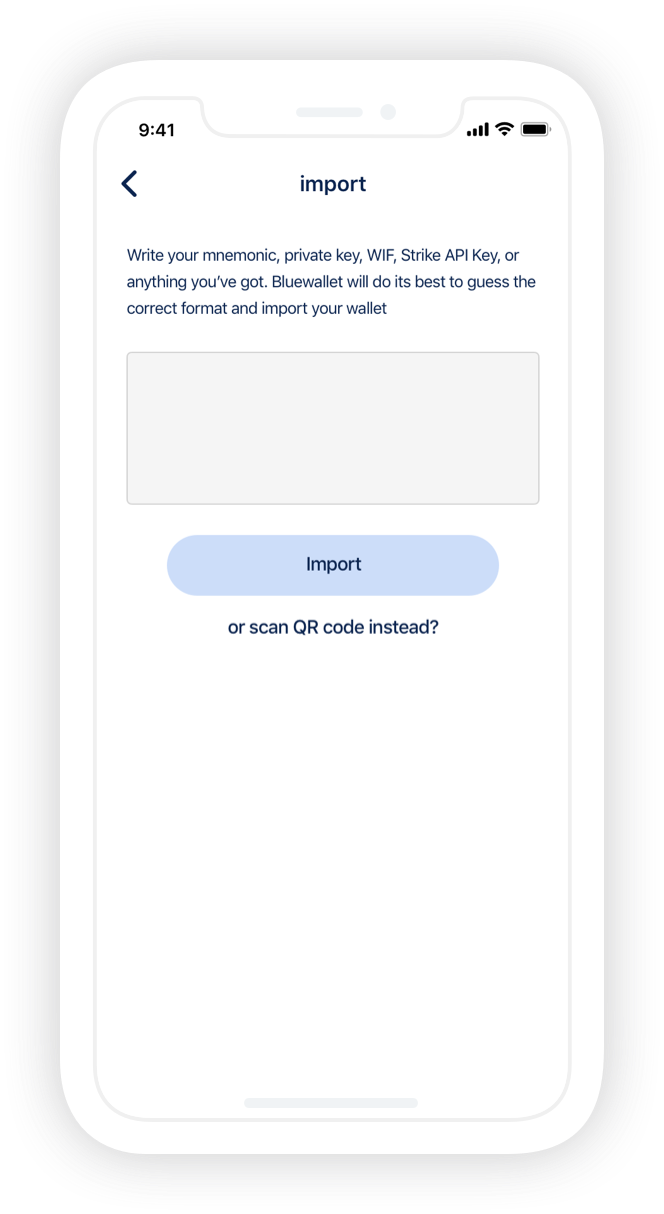
Yes. Use Add wallet → Import wallet, then paste or scan a recovery phrase, private key, public key, or wallet backup. BlueWallet detects common standards, including Electrum seeds and BRD/Breadwallet. Details: Import a wallet. If the balance is wrong, see passphrase and custom derivation in the docs FAQ.
-
How do I back up my wallet?
Each wallet has its own backup. Open the wallet → ⋯ → Export/Backup, write the words down, and keep them offline. There is no single backup for every wallet at once. Guide: Backup and export a wallet.
-
Where can I learn about fees, RBF, and speeding up a transaction?
On-chain wallets let you set fees and bump, cancel, or batch transactions with RBF and CPFP. If a payment sits unconfirmed, open it from the list (transaction status) or check mempool.space with the transaction ID.
Community
Be part, contribute as you can and stay up-to-date. Bitcoin is winning.
Contribute
Free Open Source Software
BlueWallet is free and open source software. Build in public by a community. And, one of the most used products in Bitcoin. Self-custody will win, but your contribution really matters. See how you can start contributing today.
Support articles
Step-by-step guides with screenshots