Some wallets use a BIP39 passphrase: sometimes called the “25th word”, in addition to the 12 or 24 recovery words. The same seed words with a different passphrase produce a completely different wallet.
If your backup was created with a passphrase, enable this option before you import.
Open the import options menu
Go to the import screen and tap ⋯ in the top-right corner.
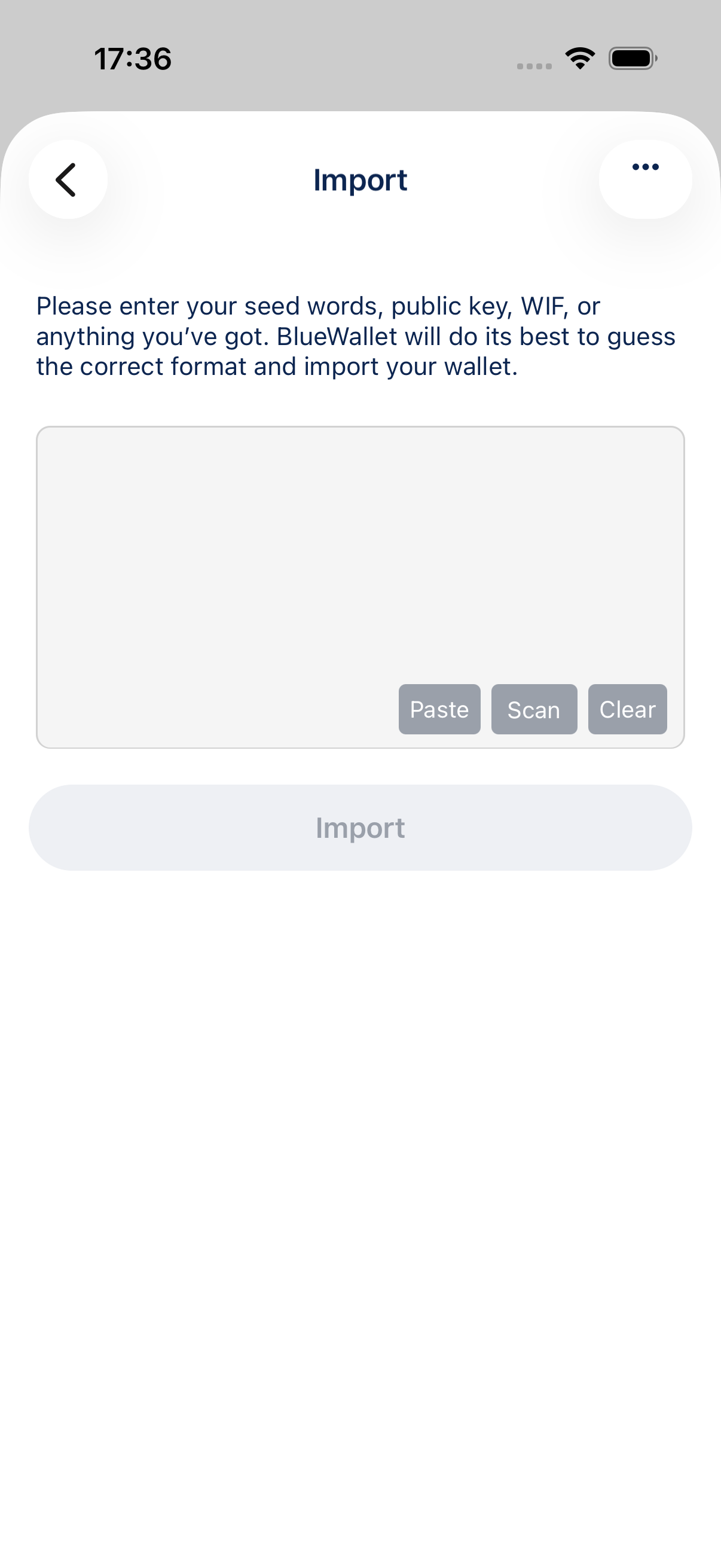
The menu lists advanced import options.
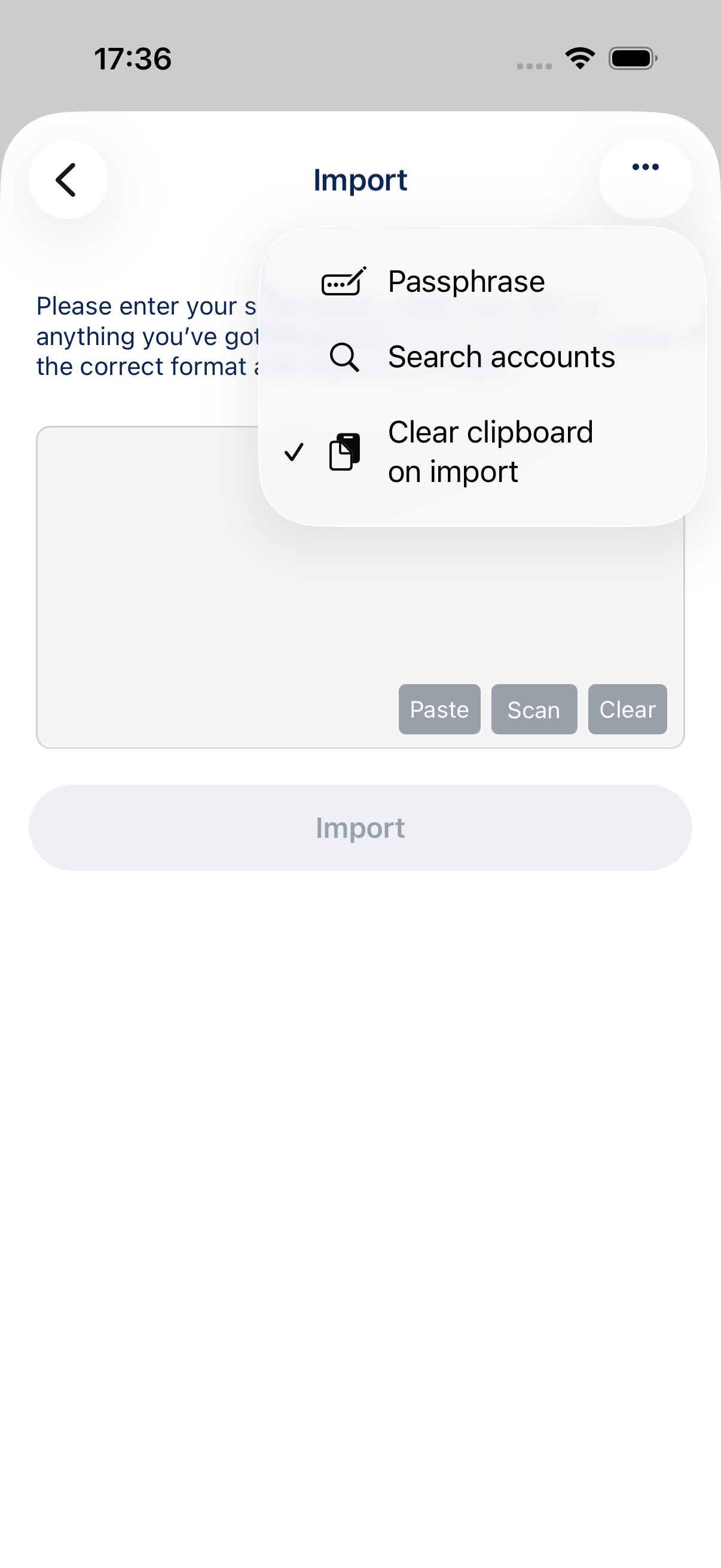
Enable Passphrase
Tap Passphrase to turn it on. A checkmark shows the option is active.
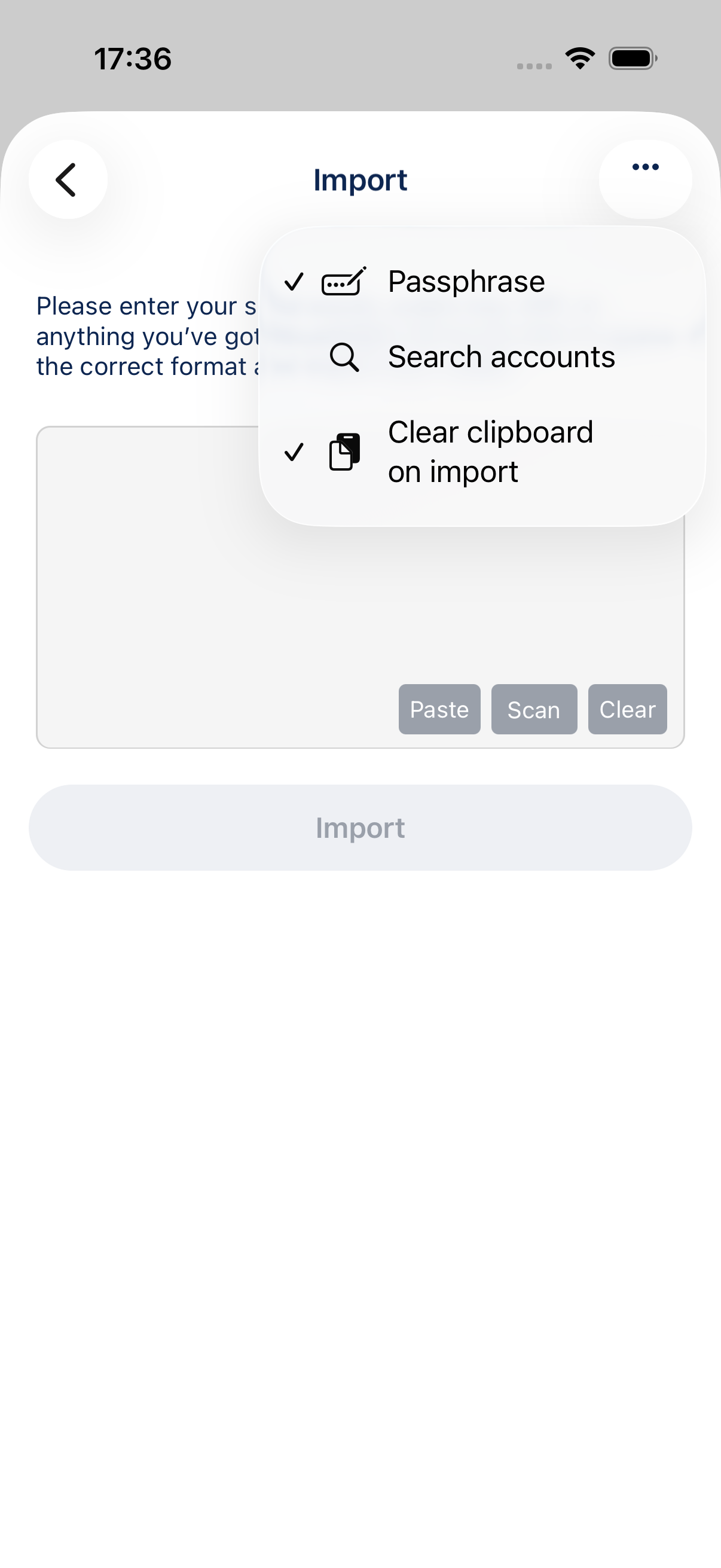
Enter your recovery words as usual, then tap Import. BlueWallet will ask for your passphrase during the discovery step.
Tips
- A passphrase is not the same as a wallet PIN or app password.
- If you are unsure whether your wallet used a passphrase, try importing without it first. If the balance or addresses do not match, enable Passphrase and import again.
- Never share your passphrase or store it next to your recovery words.