From the Mac App Store or Homebrew.
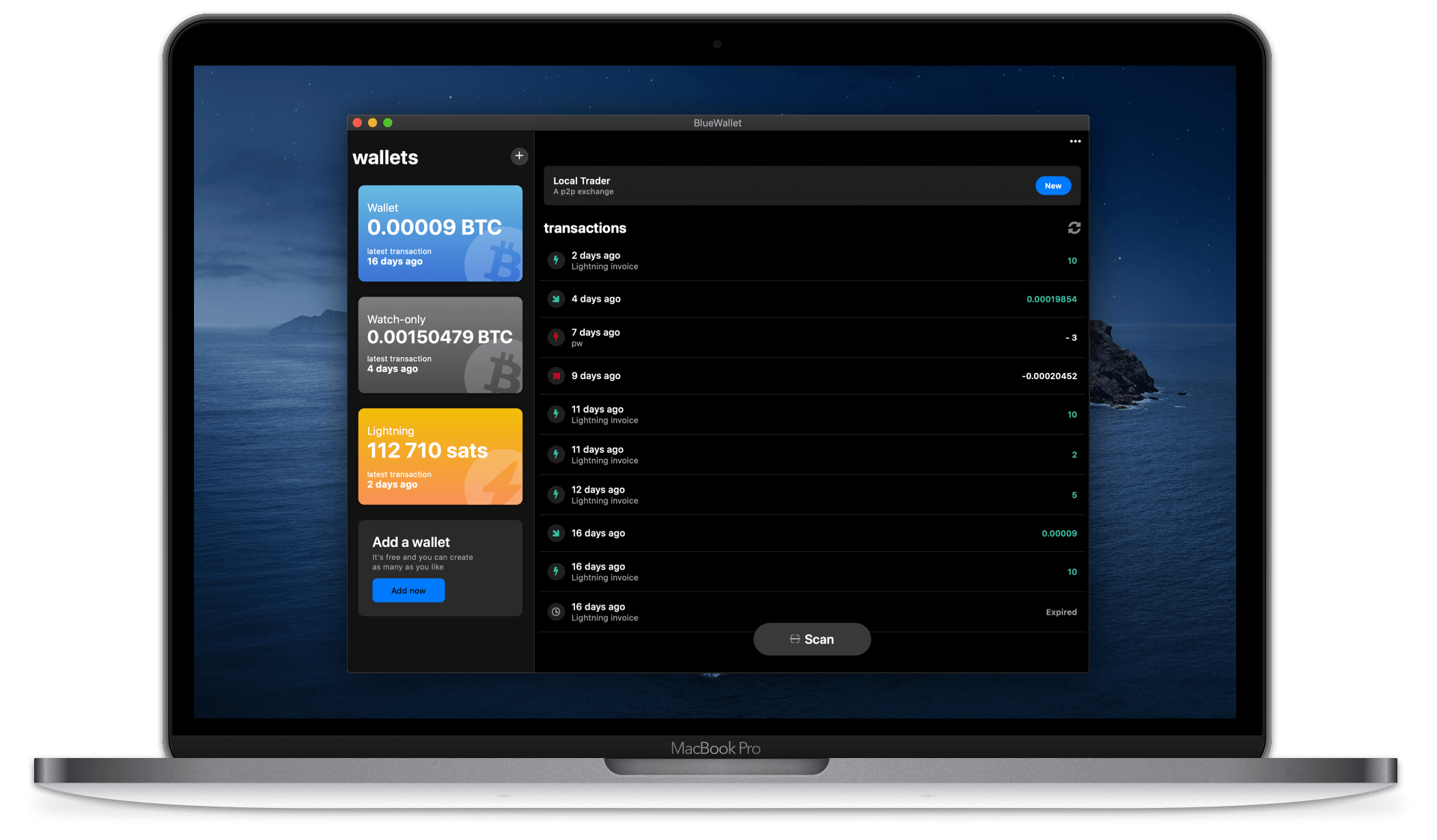
BlueWallet for Mac

Official macOS build. Your keys stay on your device. Get it from the Mac App Store or Homebrew.
Features
HWW integration
Easily connect to your hardware wallet through watch-only and PSBTs support.
Plausible Deniability
Create multiple storages or fake ones in case of a forced disclosure.
Multiple Wallets
Support for different wallet types. Like Bip84/49/44, electrum, legacy, etc.
Full node
Full node connection through ElectrumX, Electrs or Electrum Personal Server.
Transactions control
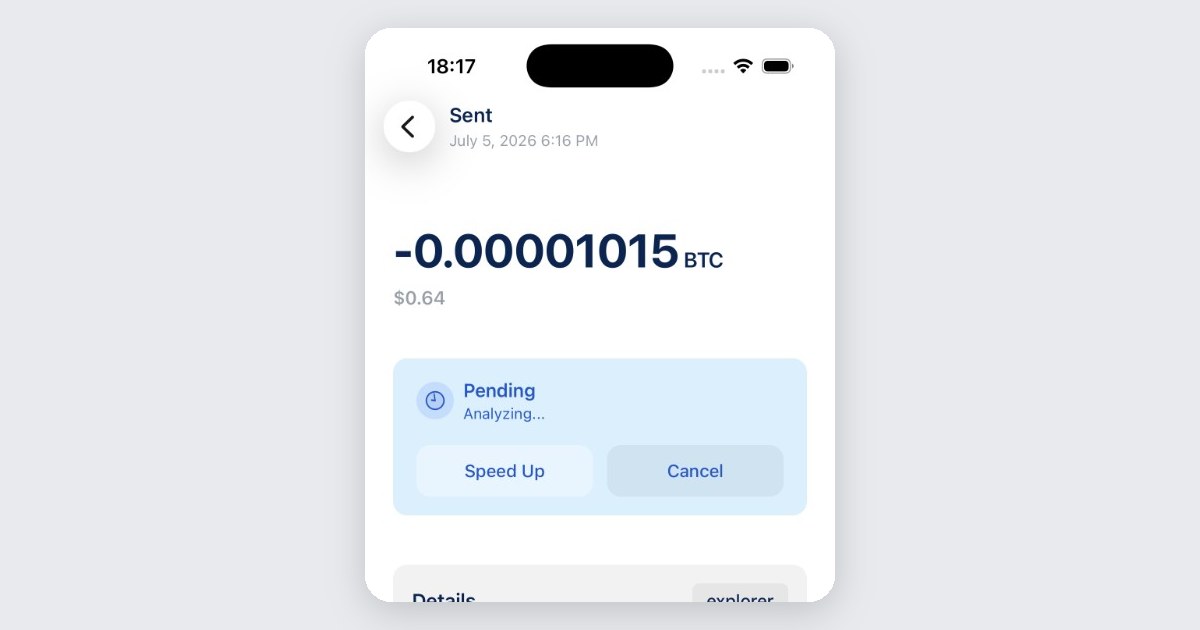
Easily Bump, Cancel or do Batch transactions. With RBF and CPFP.
Notifications
With push notifications for pending and confirmed transactions.
Frequently asked questions
Quick answers about installing and using BlueWallet on Mac
-
How do I install BlueWallet on Mac?
-
Is it the same wallet as on iPhone?
Yes in capability: Bitcoin wallets, watch-only, hardware-wallet PSBTs, multiple wallet types, RBF/CPFP, and notifications. You can import the same recovery phrase. Each install is separate storage; back up every wallet you use.
-
Can I use a hardware wallet on desktop?
Yes. Import it as watch-only using the device’s public key, then sign with PSBTs (QR or file), same flow as mobile. This works with PSBT-compatible hardware wallets.
-
Can I connect my own full node?
Yes. Point BlueWallet at ElectrumX, Electrs, or Electrum Personal Server instead of a public Electrum server.
-
What is plausible deniability?
A second encrypted storage behind a different password, for coercion / forced unlock. Enable Password Protected first. Details: Plausible Deniability and the guide.
-
Does desktop support Lightning and multisig?
Multisig vaults, yes. Lightning if you run your own LNDhub node.
Community
Be part, contribute as you can and stay up-to-date. Bitcoin is winning.
Contribute
Free Open Source Software
BlueWallet is free and open source software. Build in public by a community. And, one of the most used products in Bitcoin. Self-custody will win, but your contribution really matters. See how you can start contributing today.
Support articles
Step-by-step guides with screenshots